Rigorloom
Review edits to Korean documents.
Fill and edit Korean .hwpx files on your computer, with an AI agent or by hand. In the Runtime review workflow, you approve a plan before Rigorloom applies it to a copy.
Browser workspace
Open a file, review edits and approve a plan in a browser on your computer.
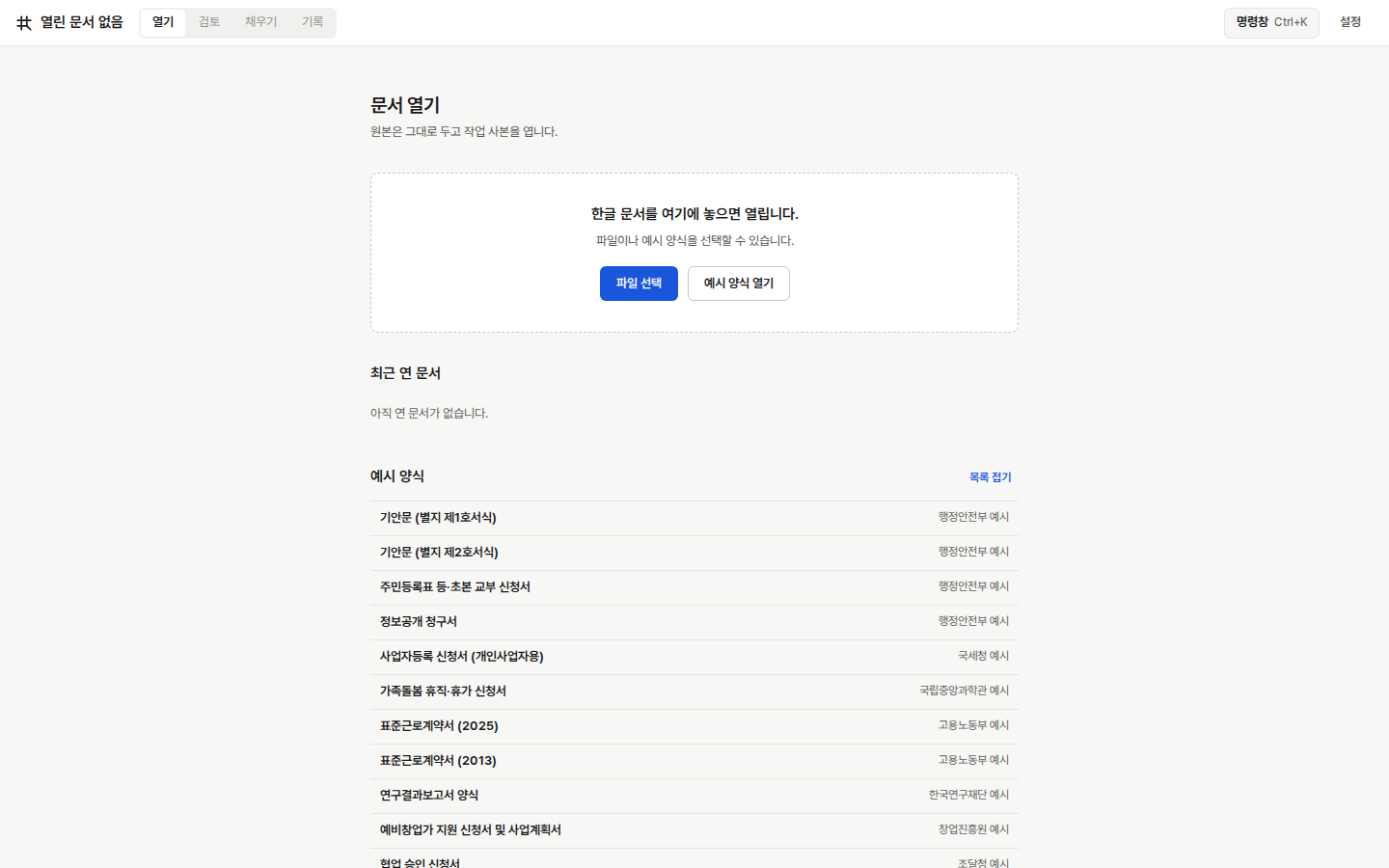
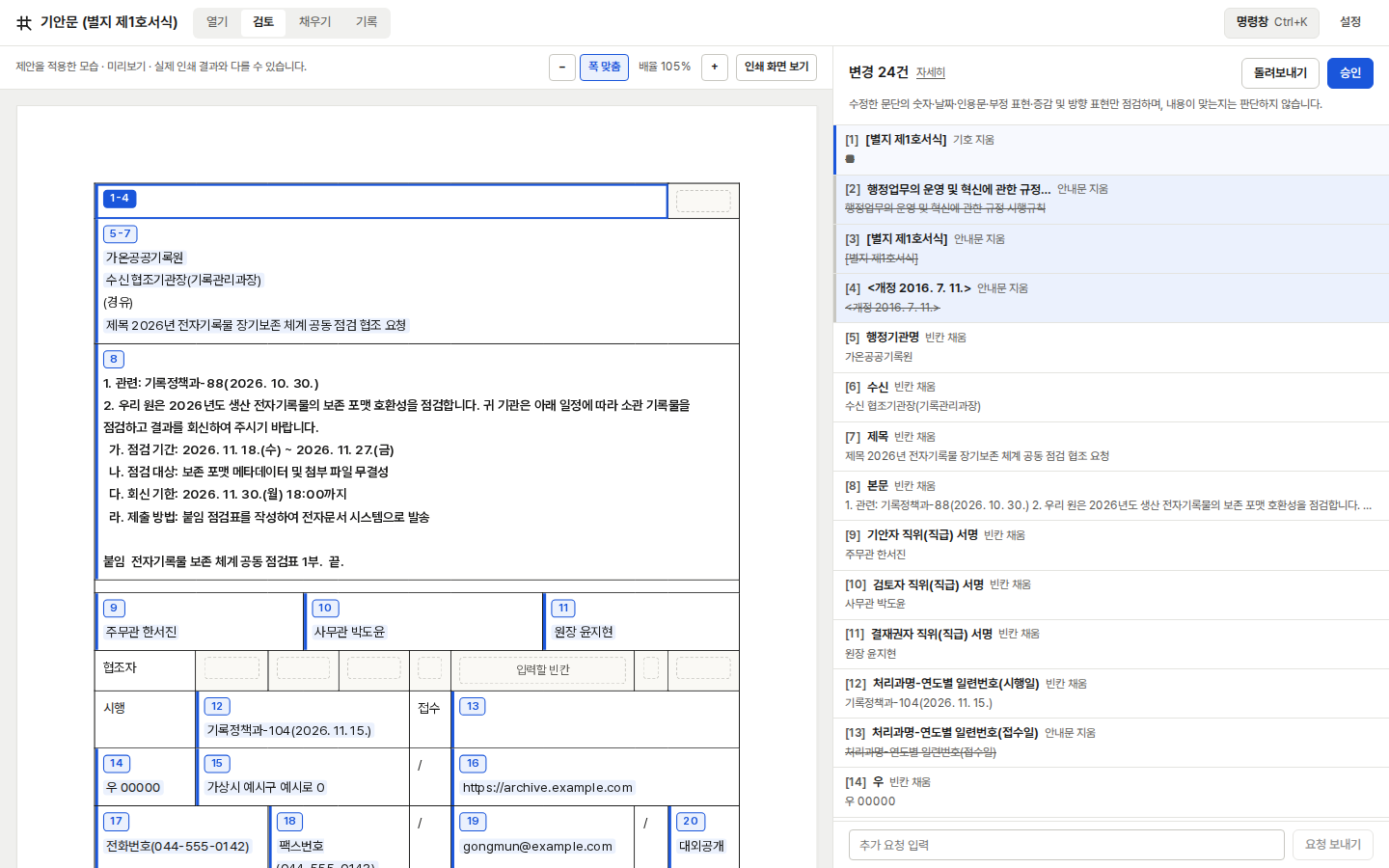
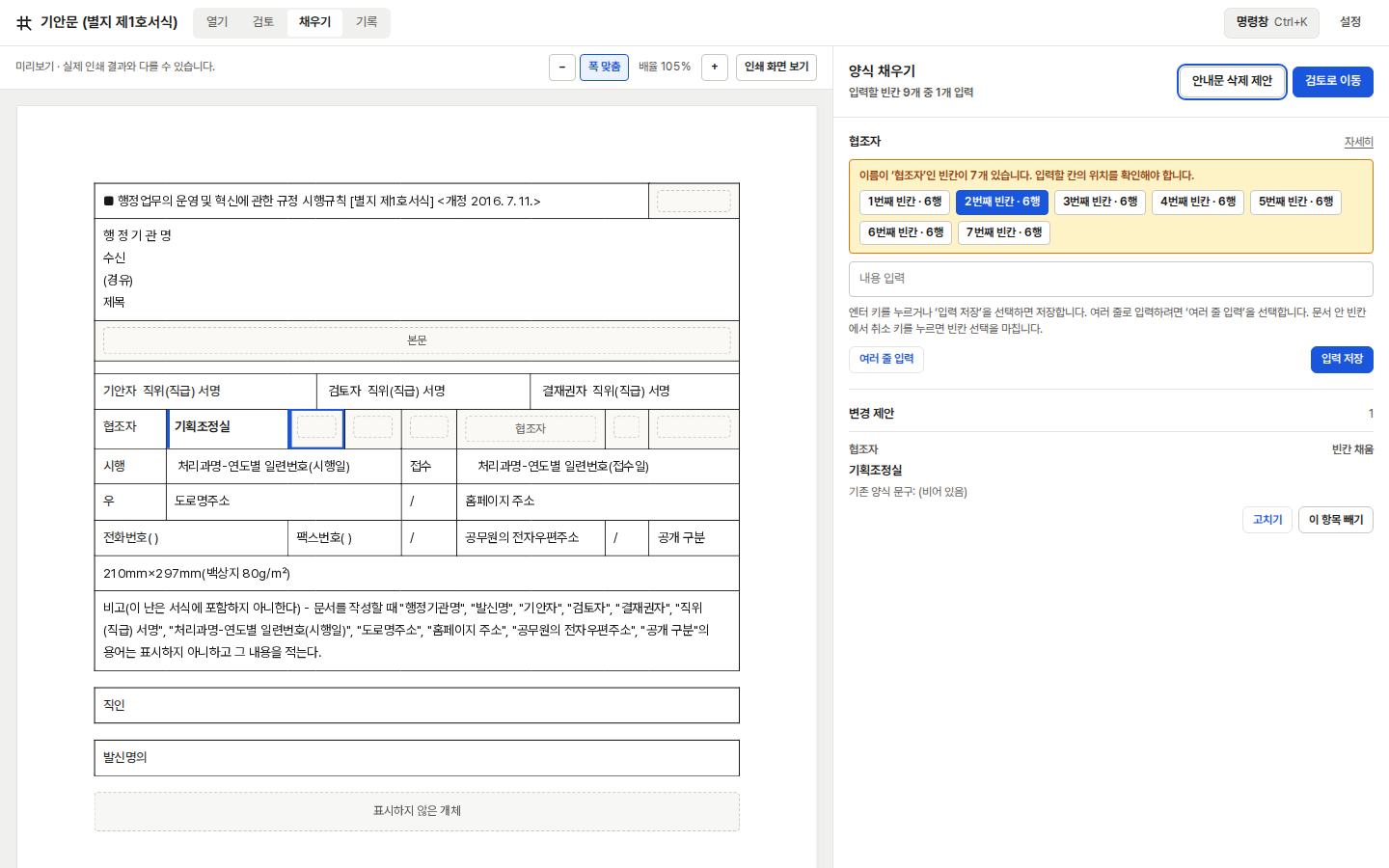
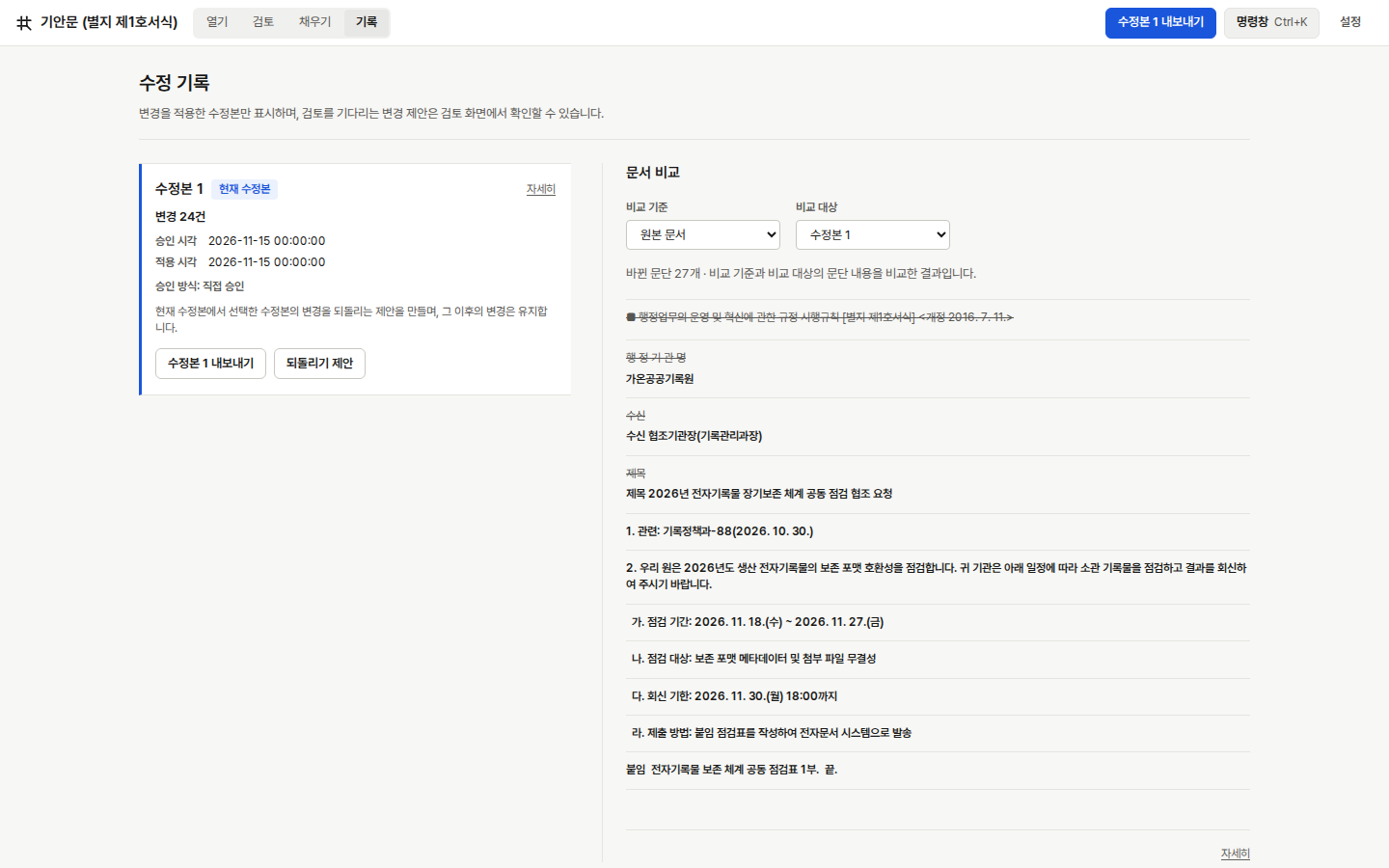
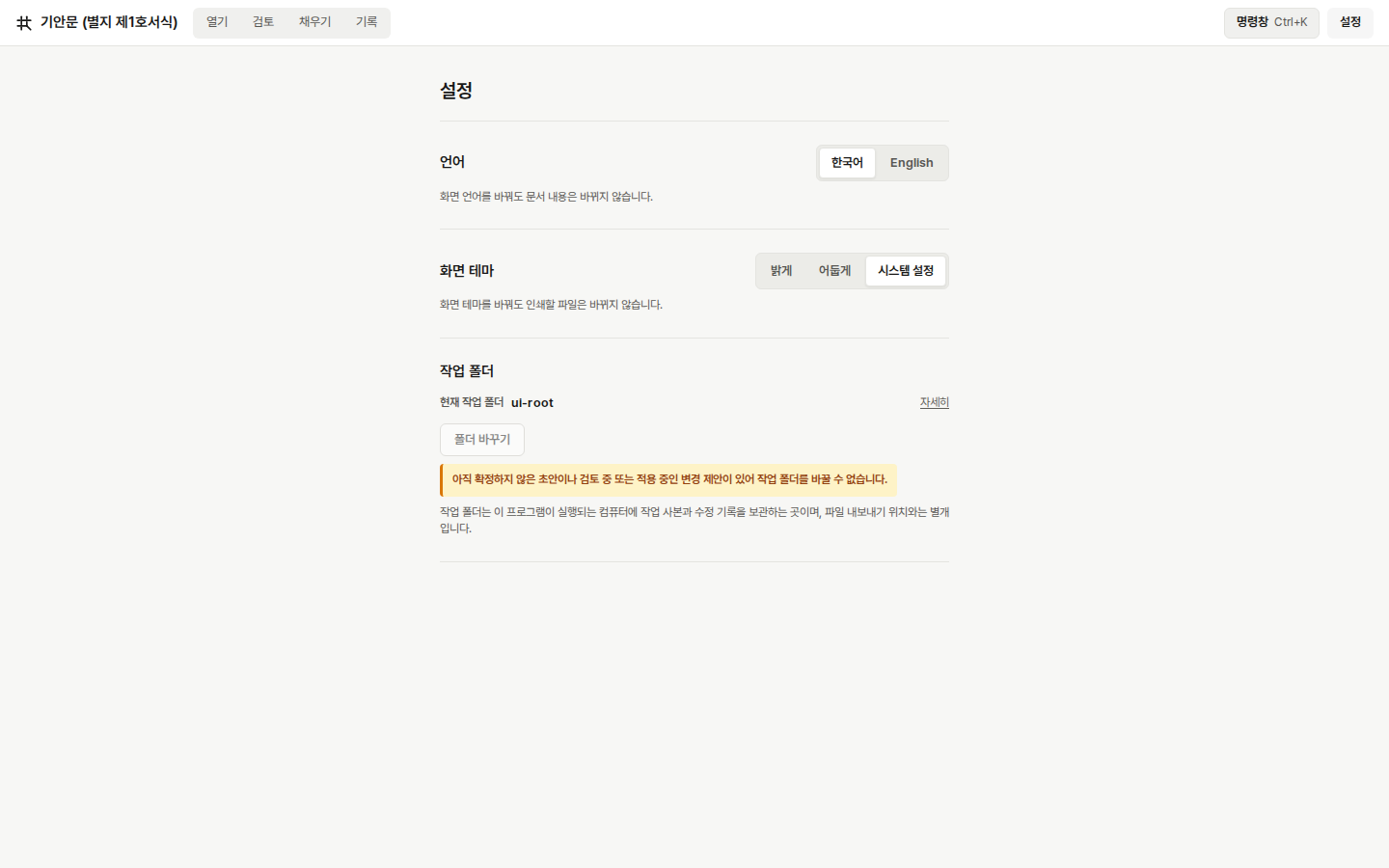
These captures show the five-screen workspace on main, outside v0.18.0.
Open
Review
Fill
History
Settings
Document types
- Reports
- The public source checkout includes a pipeline for assembling, checking and typesetting reports. The wheel contains the Runtime layer only.
- 공문
- An end-to-end demo fills and checks a blank 기안문 without Hancom Office.
- 지원서, 민원, 인사 서류
- The Runtime CLI fills cells and runs form checkers. End-to-end workflows for these forms are in development.
Reviewing a Runtime plan
Propose
An agent or a person puts the edits in a plan.
plan.json{ "planId": "1e4cdd8cc0f04bad9b3207a5b6ac7372", "planHash": "668bd74a879e784158f8541c4bbd2e0512ed07b1ca629449663841861b54b56a", "ops": [{"opId": "op-5", "kind": "replace_at_cell", "params": {"text": "가온공공기록원"}}] }Validate the plan
The Runtime checks the source document and the proposed operations.
plan/validate{ "boundSha256": "52232388ac76b849cdaf4743e67bede0280f3cd613774a69f34120a08f422adf", "currentSha256": "52232388ac76b849cdaf4743e67bede0280f3cd613774a69f34120a08f422adf", "stale": false, "ok": true, "verdict": "pass", "counts": {"hard": 0, "warn": 23, "ops": 24} }Approve
A person approves the whole plan or returns it for revision.
approval.json{ "approvalId": "5bc2ad7a578042f19d7685566d47c249", "decision": "approved", "planHash": "668bd74a879e784158f8541c4bbd2e0512ed07b1ca629449663841861b54b56a" }Apply to a copy
Rigorloom records the applied changes. The original stays untouched. Unedited HWPX package parts retain their bytes in the copy.
verdict.json{ "checks": [{"checker": "check_gongmun", "verdict": "pass", "counts": {"hard": 0, "warn": 1}}], "guard": {"policy_i": {"policy": "form->filled", "untouchedBytesIdentical": true}}, "subject": {"sha256": "f6159cbb779a6467c7e844b117c18f3dbcac490d1fc71521faf2ea20d2dee0de"} }
Two checks
Guard
Compares before and after. It flags paragraphs where protected expressions such as numbers, dates, quotations or negations changed.
Guard counts expressions. It does not read meaning, so swapping two numbers can pass.
paragraphs: 1, edited: 1, changed a protected fact: 1

¶1
  number/unit           18.6%  ->  19%
  negation/hedge/bound  없  ->  (gone)

CHANGED: restore or review the paragraphs above.
Style check
Points to Korean phrases worth revisiting, including phrasing carried over from other languages and stock report openings.
Most findings are notices. The check gives no grade and sometimes flags a phrase that fits the context.
- ko.e-uihae notice이 장치는 연구진에 의해 개발되었다.능동문
- ko.gajigo-itda notice이 재료는 높은 강도를 가지고 있다.강도가 높다
- ko.geot-i-pilyohada notice측정값을 다시 확인하는 것이 필요하다.동사로 바로
What an agent can do
Through MCP, an agent can inspect an open session, propose and validate edits, and request approval.
The server has no tool to open a file, approve a plan or apply it. A person does that through the host.
View the MCP tools
capabilities_listsession_listdocument_inspectdocument_readRegionplan_proposeplan_validateplan_getapproval_requestapproval_getcandidate_listcandidate_comparereceipt_readdocument_renderdocument_pageGeometryevent_pollmodule_listmodule_check
Release status
In v0.18.0
- rigorloom guard: names every paragraph where a number, date, quotation, negation or direction word changed
- rigorloom style check flags Korean phrasing for review, mostly as notices. The double-passive rule reports an error.
- rigorloom ui: plan, diff and approval in one place, in a browser on your own machine
- The 공문 demo: a blank 기안문 filled and checked end to end without Hancom Office
- Runtime CLI: open, inspect, propose, approve, apply, verify
- MCP server for agents, with no tool to approve or apply
- Edit HWPX without Hancom Office. Unedited HWPX package parts retain their bytes.
- Optional adapter for a separately installed HWP engine (the engine is private and not distributed)
Beyond this release
- The five-screen workspace: Open, Review, Fill, History, Settings
- style check --pack for 공문, 민원, 인사 and 지원서 rules
- guard reads Korean amounts with their unit, so 500만원 to 500원 is reported while 500만원 and 5,000,000원 compare equal; it also reports numbers that traded places
- One document layer under the CLI, MCP tools and UI: every paragraph, table cell and fill place has an address, and an edit is refused if the file changed since it was read
- Document verbs: open, read, find, edit, fill, save and more; edits stay in a draft until save. Next release.
- rigorloom mcp: the same tools for agents over stdio, only in folders you allow. Next release.
- Korean document engine (private, in development): .hwp reading, .docx and Markdown conversion, PDF and PNG rendering
- Work to finish the CLI, MCP and agent harness
- A redesigned workspace
- Installers for Windows and Linux
- Native desktop shell
- macOS